Login Link Instructions:
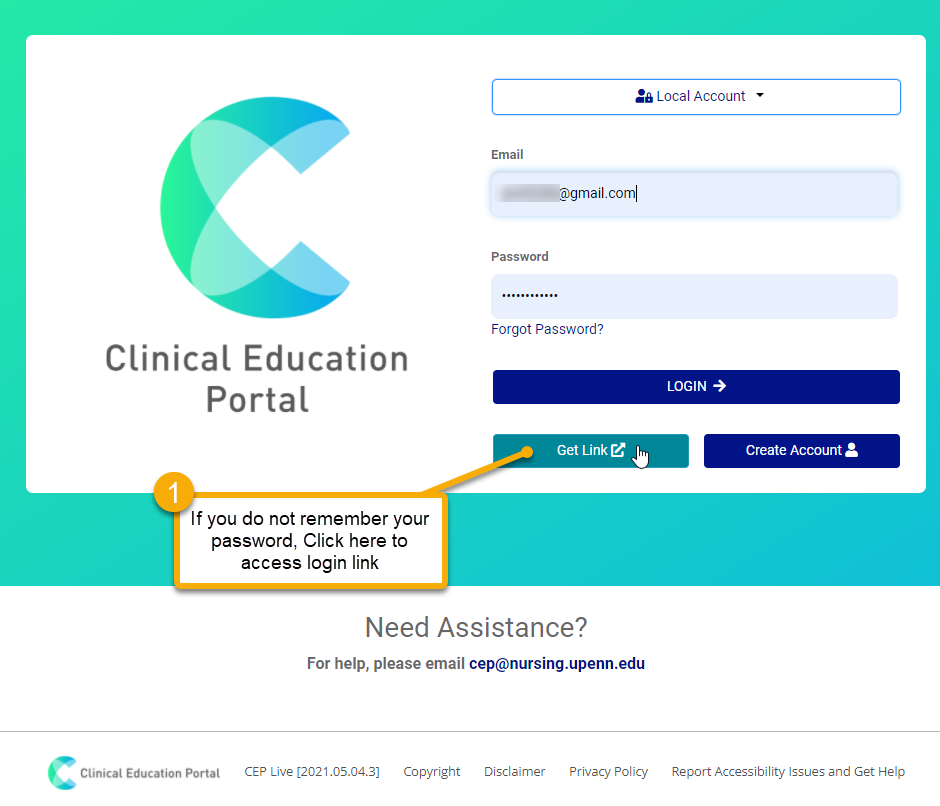
- If you do not remember your password, or have had difficulty resetting your password, click “Login using a Link?” located at the top of the CEP landing page
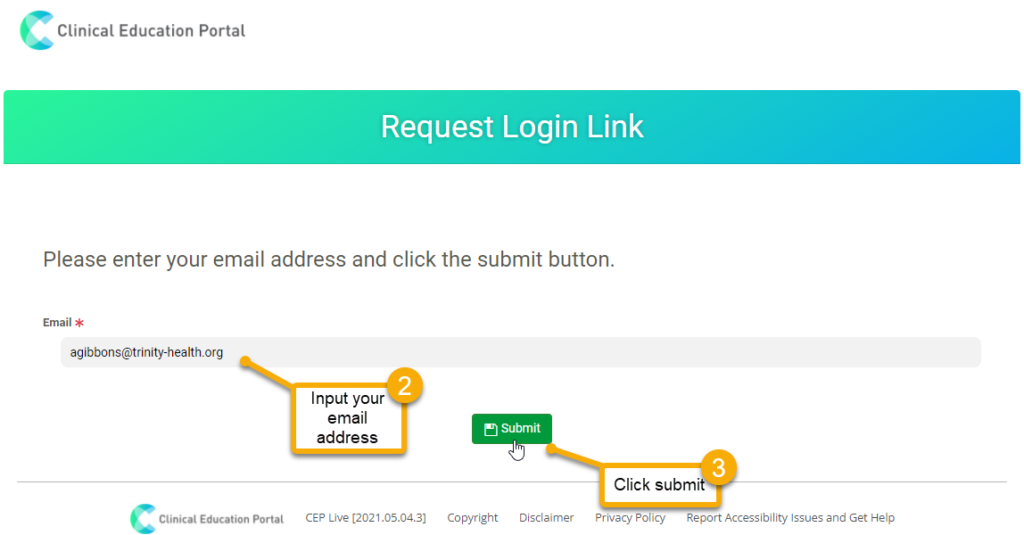
- Input your email address
- Click “Submit”
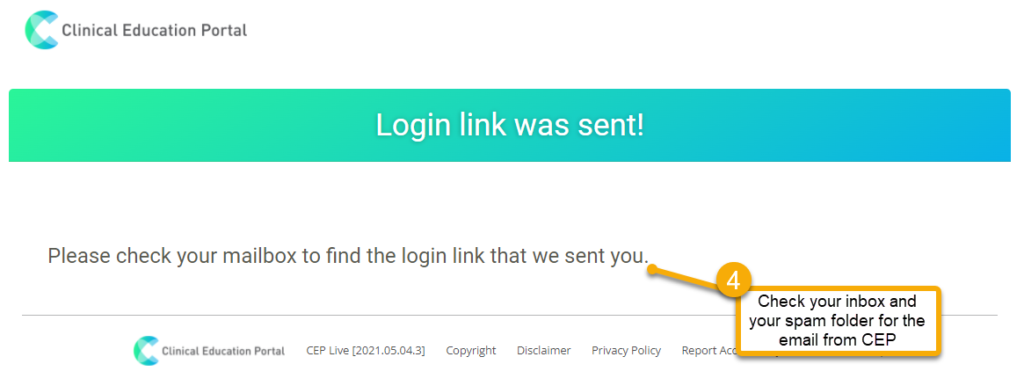
- Check your inbox and spam folder for the email from CEP
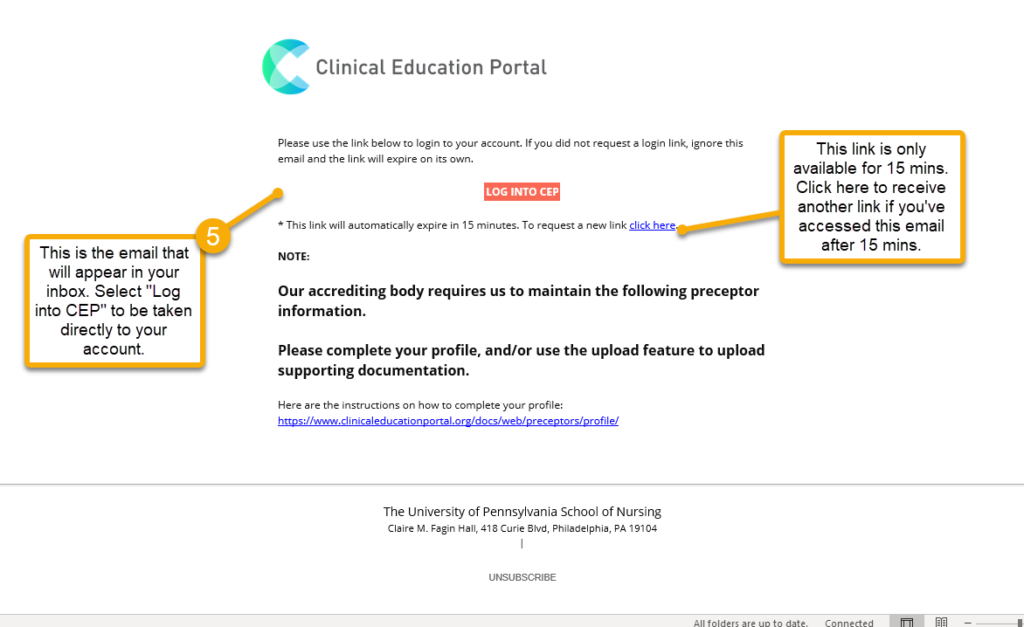
- You will receive an email titled “Login Link Email” from cep@nursing.upenn.edu
- The link is only available for 15 mins. If you’ve accessed this email after 15mins, please click the blue “Click Here” in the email to receive another link